
You have probably heard of WooCommerce® attributes before… but do you know exactly what they are, and what they can do for your shop? Many shop owners either ignore them or make them more complicated than they need to be. Yet, once you understand a few simple ideas, attributes become one of the best tools to keep your store organized and to help your customers find exactly what they need, quickly.
Here are the most common uses of WooCommerce product attributes:
- Attributes define the variations of a product
- They describe and organize your products
- They help customers narrow down products with filters
- And finally, they make the shop administrator’s life easier
Let’s dive in…
Attributes define the variations of a product
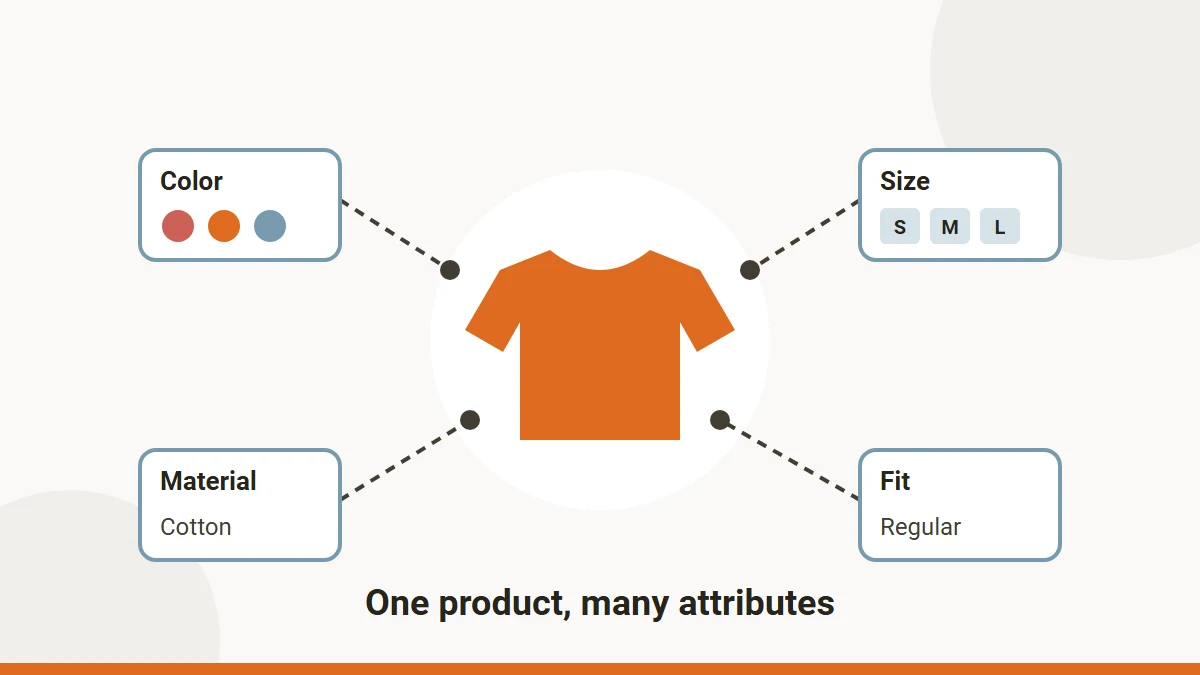
Say you sell a T-shirt in three colors and four sizes. Instead of creating twelve separate products, you create one variable product, add a “Color” attribute and a “Size” attribute, and tick “Used for variations”. WooCommerce then lets you create one variation per combination, each with its own price, stock and picture. On the product page, your customer simply picks a color and a size, and WooCommerce shows the matching variation.
Attributes can be added by hand from the admin panel, through custom scripts with the WooCommerce REST API, or in bulk with our plugin, Bulk Attributes for WooCommerce.
Attributes describe and organize your products
Categories tell what kind of product it is (a T-shirt, a phone, a diving suit…). Attributes tell what it is like: its brand, its material, its color, its size. Even when an attribute is not used for variations, you can show it on the product page, in the “Additional information” tab, so your customers get all the details they need before buying. And with a hierarchy of terms (for example a brand, then its models), you can add multiple attributes with hierarchy support and keep even a very large catalog tidy.
WooCommerce attributes help customers narrow down products
This is where global attributes really shine. Because they are shared by all your products, they can feed the filters of your shop pages. Imagine you sell diving suits: your customers can filter by “Size” or by “Thickness” and only see the suits that fit them, instead of scrolling through your whole catalog. Fewer clicks, happier customers… and more sales!
Proper usage makes your store easier to manage
To get the most out of attributes, it helps to know how they work behind the scenes. Global attributes are created under Products > Attributes and stored in WordPress like taxonomies, with their values (terms) stored like any other taxonomy terms. Custom attributes, created on a single product, are saved with that product only and cannot be reused or filtered. So, as a rule of thumb: if a value is shared by several products, make it a global attribute. You can then edit attributes and their terms by hand from the WooCommerce admin, or add hundreds of them in one go with a plugin like ours.
That’s all for today… If you want to go further, read why WooCommerce attributes are good for you. And as always, don’t hesitate to send us your questions and feedback from the support page!