
If you read our previous post, you probably now clearly understand why one cannot add WooCommerce® attributes one by one to one’s store, unless that store’s structure needs just a few attributes.
If you are running a bigger online store with WooCommerce and you need to add numerous product attributes and make sure they are well organized with hierarchy support, we have the tool you have been searching for, ready to handle that work for you.
Previously, we explained how we can add WooCommerce attributes and their terms, and configure them to support hierarchy. That was nice, playing with WooCommerce attributes…. Nice? It was only because we were working with some sample data and a reduced number of attributes to add.
What if I have a huge list of attributes to add to WooCommerce?
In that case, you have 4 choices:
- Keep adding them manually as described in the previous blog post, one by one 🙁
- Hire somebody to do the repetitive manual attribute entry job….
- Set your attribute type to text; this is the only way WooCommerce natively supports adding attribute terms in bulk to a product… but don’t expect attribute term hierarchy support with that. We will cover how to do this in detail in another post….
- Dive deep into the WP database and use some SQL INSERT queries to add attribute terms as needed!
Which one fits your needs??
Save your day with our little handy plugin!
To those reading this post who are SQL gurus: we recommend you stop reading… I’m not even sure WP DB SQL gurus are reading this…… They are already deep into phpMyAdmin, sending INSERTs and UPDATEs to the WordPress internal database!
But what if you are not familiar with SQL queries?
That’s when our little plugin comes to the rescue! Our Bulk Attributes for WooCommerce plugin is here to let you do that repetitive task in less than 5 clicks… We’ll check later how many clicks you really need!
Get Bulk Attributes for WooCommerce
How to use the plugin to add bulk attributes to WooCommerce
To help you clearly see how our plugin handles the job for you, we will continue with the example taken in the previous blog post and its sample data set.
So, once you have installed and activated the plugin,
- Head over to Products > Bulk Add Attributes.

- Select the attribute you want to add multiple terms to:

- In the first box, “add attributes”, copy and paste your list of attribute terms, separated with commas.
Then enable hierarchy support by selecting the parent term under which you need to add those terms…

- Finally, click on the Add Term button to add those attribute terms as child terms of the one specified.

We can check from the WooCommerce attributes page whether the attribute terms were successfully added as expected. Click on “Products > Attributes”.
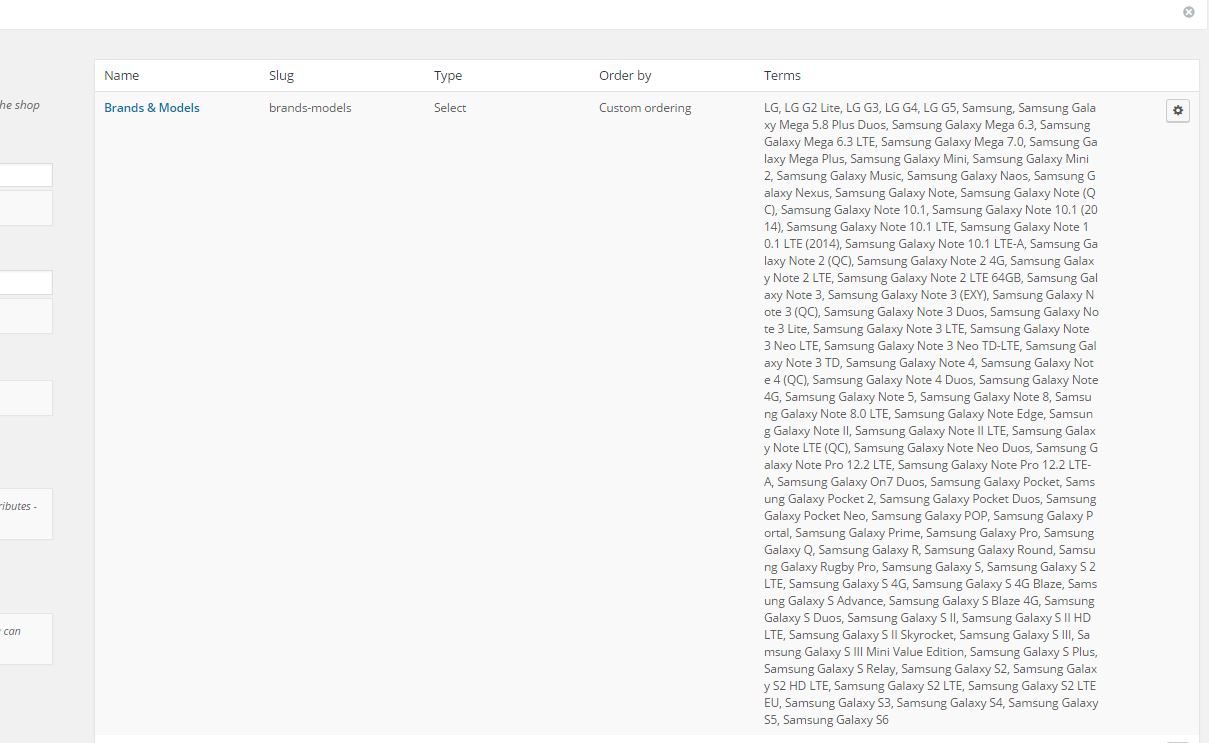 Attributes page after the bulk import of terms” width=”1209″ height=”743″ />
Hey, you promised your plugin supports attribute term hierarchy, but the terms are just there in bulk!!?!
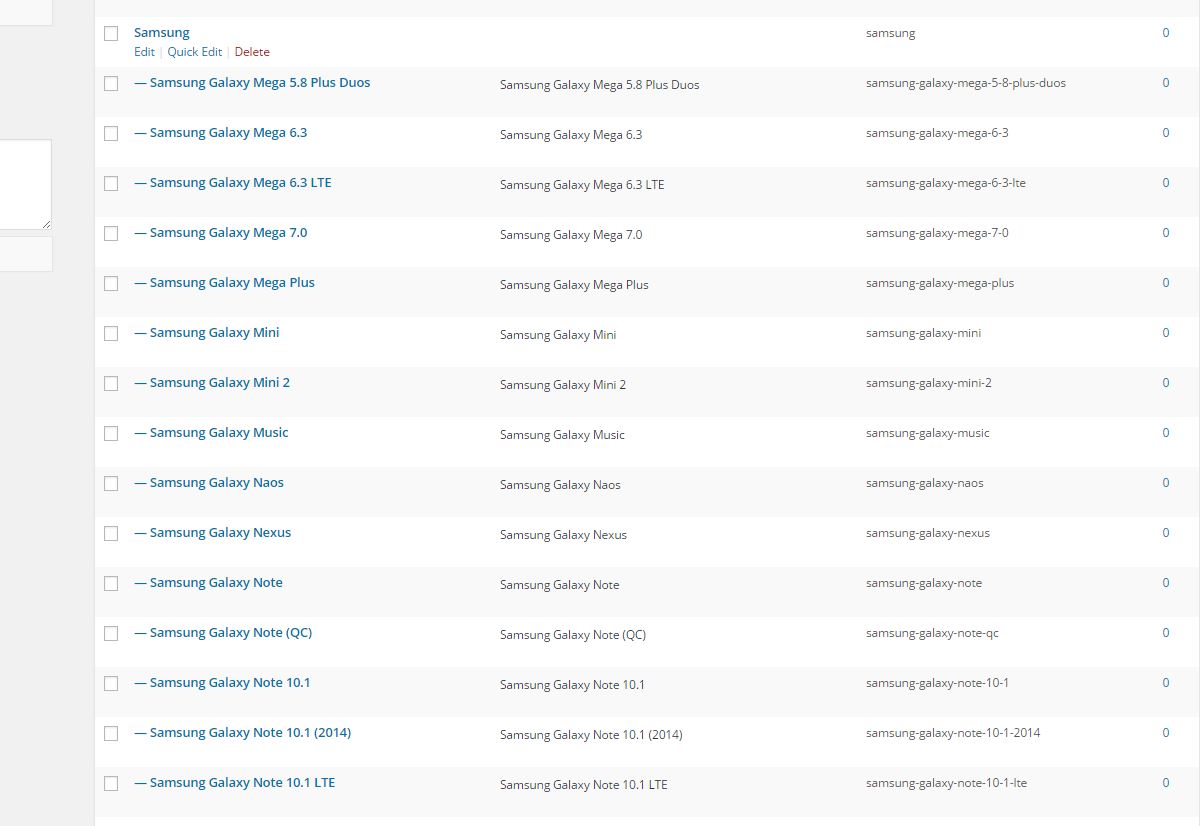
No panic allowed in here! To check whether the attributes were really added with hierarchy support, just click on the terms button on the far left.

This will open another page like this one, where you can see that the attribute terms you added with our plugin were added as expected under the parent term!